





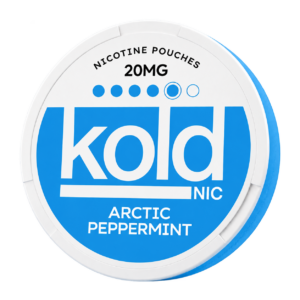


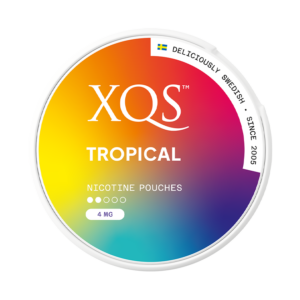

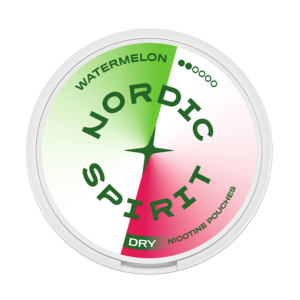

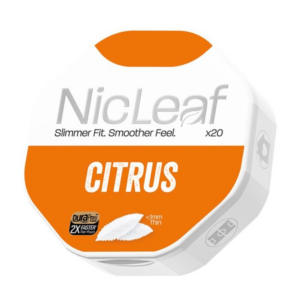


















Pouch Finder inside the app
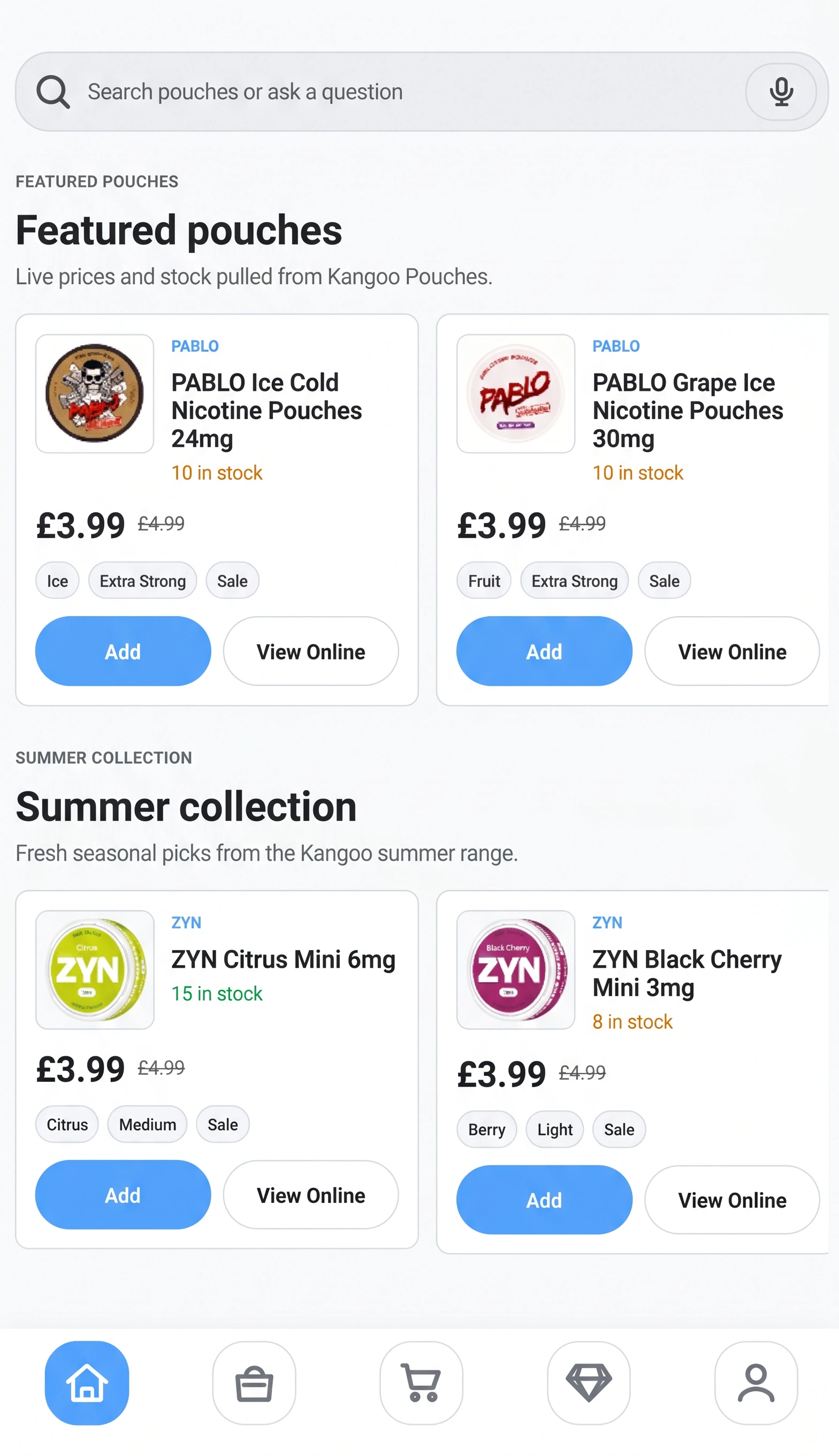
Guide customers by strength, flavour, and experience without making them browse every product manually.

Download the Kangoo Pouches Android app for live product search, rewards, reorder tools, and a secure WooCommerce checkout handoff.
Guide customers by strength, flavour, and experience without making them browse every product manually.
Bring back previous favourites, pack choices, and recent orders so repeat customers can move quickly.
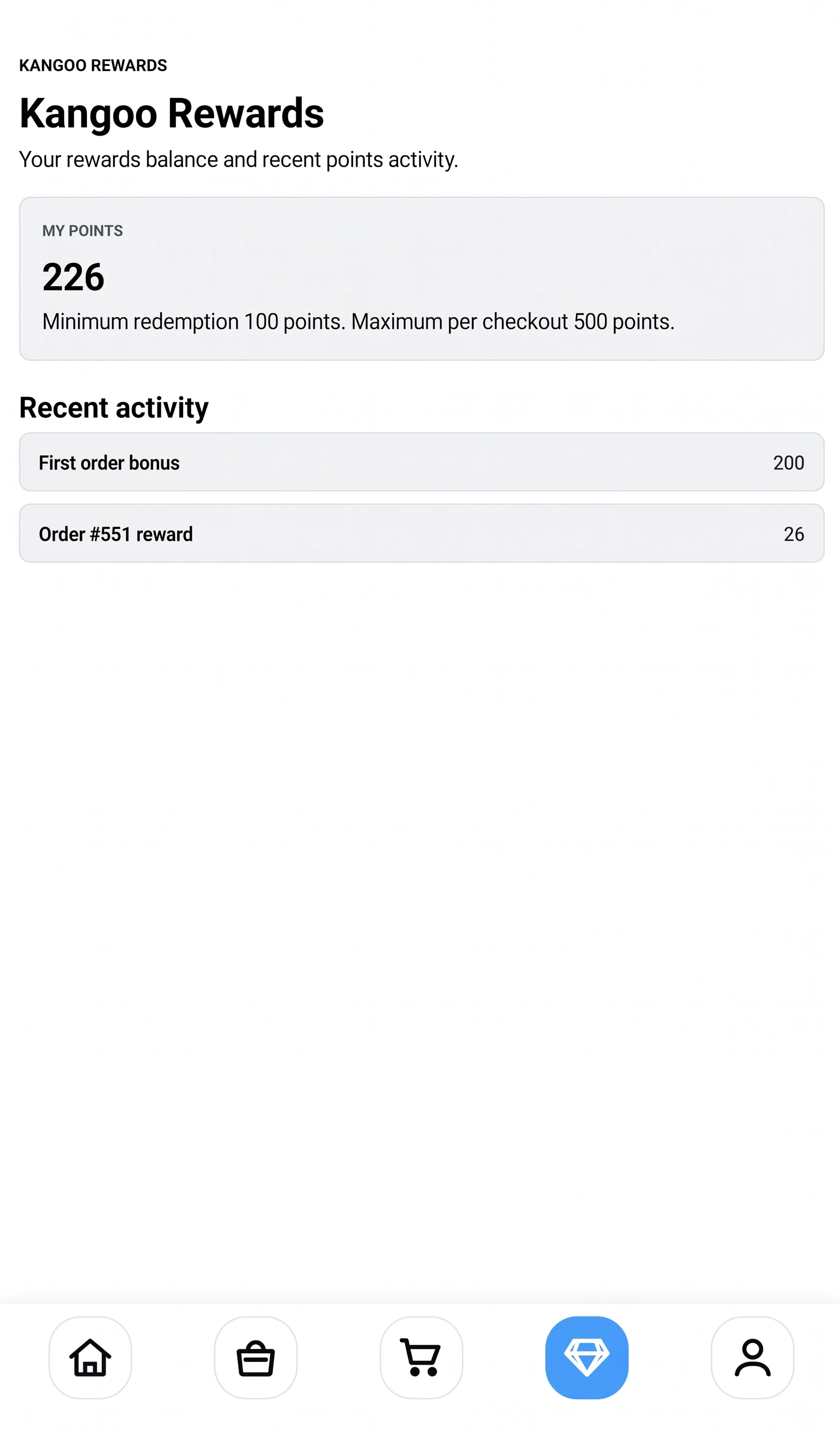
Make Kangoo Rewards easier to understand with points, savings, and offer reminders in one place.
Low stock messages, delivery status, and back-in-stock prompts keep shoppers informed before they miss out.
The Android APK is live. Download it directly, install it on your device, then sign in with the same Kangoo account used on the website.
Use the Android APK download button on this page to save the app installer.
Because this APK is installed outside Google Play, Android may ask you to allow installs from your browser or file manager.
If Android shows an extra warning, choose the install anyway option after confirming the download came from Kangoo Pouches.
Customers can use their Kangoo account to access orders, rewards, and saved details.
The app can notify you when a new APK is available. Download the new version from this page to update.
The current app release is for Android. iPhone customers can continue using the Kangoo Pouches website.
Yes. The website remains the main store, and the app gives Android customers a faster mobile route.
Yes. Customers can sign in to view their Kangoo Rewards balance and recent points activity.
Android warns when an app is installed from outside Google Play. This is normal for direct APK downloads. Only install the file from the Kangoo Pouches website.
Until the app is on Google Play, updates are manual. The app checks for new versions and links customers back to the latest APK download.